

ScreenFocus
It reduces brightness and allows you to work comfortably.

Stay Focused
Don't let side monitors distract you. ScreenFocus dims any number of screens, so that you can focus only on what you are actually working on.
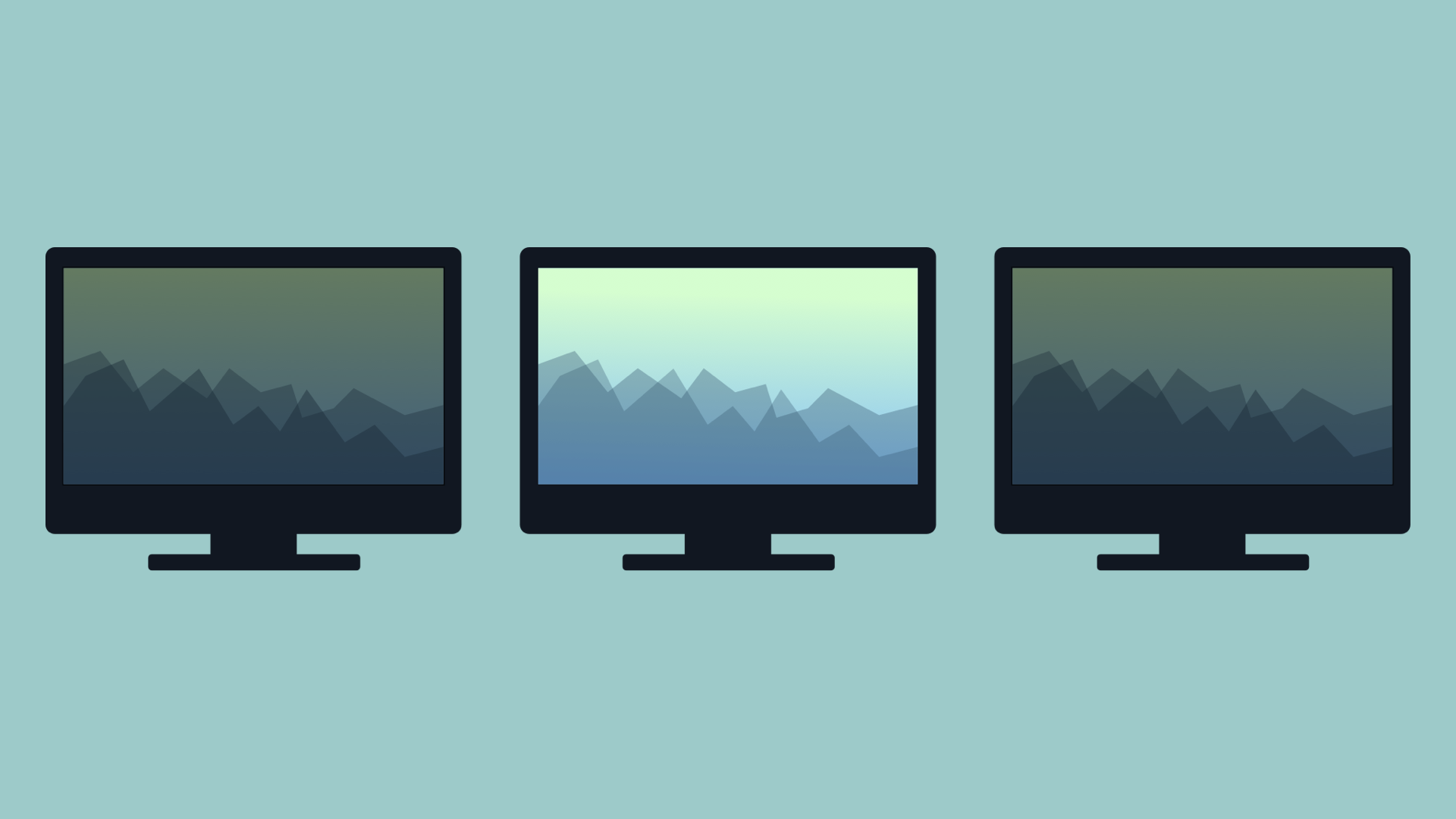
Brighten Up a Monitor in No Time
Simply move your cursor over the side monitor - the screen will brighten up. When you move the cursor away, the screen will dim again.
Variety of Settings
We believe ScreenFocus works perfect as it is. But perfect is not the same
for everyone. You can adjust the dim level, the time before a screen is dimmed,
and even the fade duration.
In the application menu, you can choose if
particular monitor should be dimmed.
What People Say?
Absolutely love this on my dual monitor setup, instantly became a must have app. Many thanks for doing the good work, much appreciated.
I have two 27” monitors dangling off my 27” iMac which I am usually very happy with.
But what happens when you just want to watch the latest movie trailer on this set up?If you zoom to full screen on your main screen you still have two brightens suns emitting twitter feeds and spreadsheets of each side.
This is where ScreenFocus shines. It lets me focus on the videos. It darkens the left and right monitors for videos and dims then when I need to get in “focus” mode for my deep work.
A must have utility if you have an external monitor. Great job Apptorium!
Frequently Asked Questions
-
Why does my old license not work?As of ScreenFocus 1.1, we've changed the license system, and you need a new license number which you can get for free. Read more.
-
Is Apple Silicon supported?Yes, since ScreenFocus 1.1
-
Who is the app for?ScreenFocus is made for people who use more than one monitor and are distracted and tired by the amount of light. It just dims side monitors and gives your eyes a relief.
-
Why main monitor is not dimmed by default?It's assumed that the main monitor should be always visible. However, you can change it. Read more here.
-
One time payment or subscription?One time payment
-
Minimum system requirements?macOS 10.12 or newer